
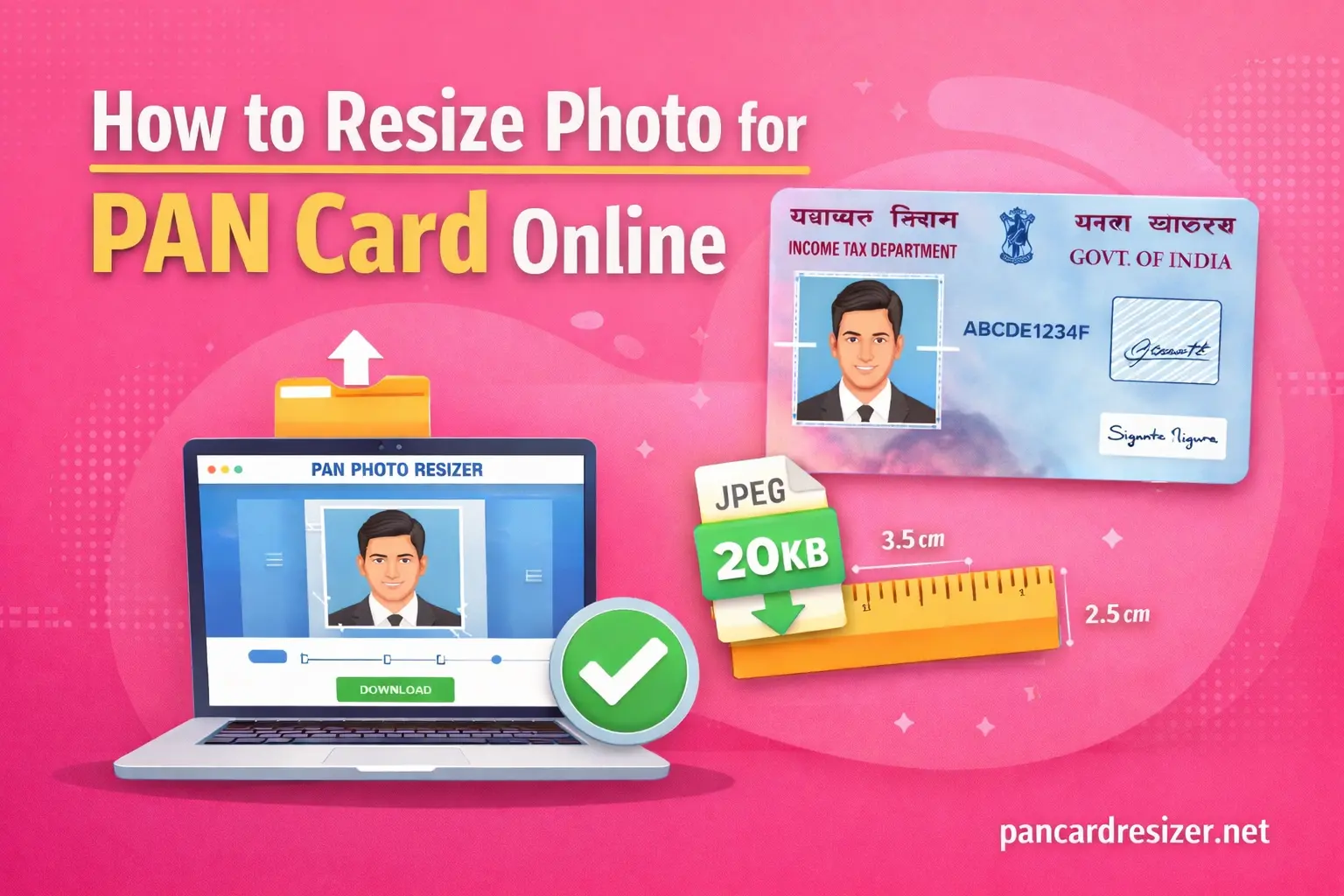
How to Resize Photo for PAN Card Online?
Uploading the correct photo is one of the most important steps when applying for a PAN card online. Many applicants face errors because their image does not meet the required file size, format, or dimensions.
If your photo is too large, incorrectly cropped, or in the wrong format, the system will reject it during upload.
The official portals operated by NSDL e-Governance Infrastructure Limited and UTI Infrastructure Technology and Services Limited follow strict image guidelines. That is why resizing your photo correctly is essential before submitting your application.
In this guide, you will learn:
- PAN card photo size requirements
- Correct dimensions and file size in KB
- How to resize a PAN card photo online
- Common upload errors and how to fix them
- Tips to create a perfect PAN card photo
PAN Card Photo Size Requirements
Before resizing your image, it is important to understand the official photo specifications required for online PAN applications.
The guidelines followed by the Income Tax Department of India typically include the following requirements:
| Requirement | Specification |
|---|---|
| File Format | JPEG / JPG |
| File Size | 10 KB – 200 KB |
| Photo Dimensions | 3.5 cm × 2.5 cm |
| Background | Plain white or light background |
| Photo Quality | Clear and sharp |
If the uploaded photo does not match these specifications, the application portal may reject it.
Why You Need to Resize a Photo for PAN Card?
Photos taken using smartphones or digital cameras usually have very large file sizes and high resolution. While these images look clear, they are often too large for PAN card upload requirements.
Common problems include:
- Image size exceeding the allowed KB limit
- Incorrect photo dimensions
- Improper cropping
- Unsupported file format
Resizing the photo ensures the image meets the required standards and prevents upload errors during the application process.
How to Resize Photo for PAN Card Online
Resizing a PAN card photo online is quick and easy. Follow these steps to prepare your image correctly.
Step 1: Open a PAN Card Photo Resizer Tool
Use our online photo resizing tool designed specifically for PAN card applications. These tools automatically adjust image size according to official requirements.
Step 2: Upload Your Photo
Click the upload button and select the photo from your device.
Make sure the photo:
- Clearly shows your face
- Is not blurry
- Has proper lighting
Step 3: Adjust the Image Size
The resizer tool will automatically optimize the photo by:
- Reducing the file size
- Adjusting dimensions
- Converting the image format if necessary
Step 4: Crop the Photo
Ensure the photo is centered properly.
Your photo should include:
- Full face visible
- Head and shoulders
- Minimal background distractions
Step 5: Download the Resized Image
Once the resizing process is complete, download the optimized image. The file will now be ready for uploading to the PAN card application portal.
Where to Upload the PAN Card Photo
After resizing the photo, you can upload it while submitting your PAN card application online.
The two main portals that handle PAN card applications are:
- NSDL e-Governance Infrastructure Limited
- UTI Infrastructure Technology and Services Limited
Both platforms require applicants to upload their photo and signature according to the specified guidelines.
Common PAN Card Photo Upload Errors
File Size Too Large
If the photo exceeds the maximum allowed size, the system will reject it.
Solution: Compress or resize the image to meet the file size requirement.
Incorrect File Format
The upload system generally accepts only JPG or JPEG files.
Solution: Convert the image to JPEG format before uploading.
Wrong Dimensions
Images with incorrect dimensions may fail the validation process.
Solution: Resize the image using an online tool to match the required dimensions.
Blurry Photo
Low-quality or blurry photos may cause verification issues.
Solution: Use a clear and properly focused image.
Tips for a Perfect PAN Card Photo
Follow these tips to ensure your photo meets official requirements:
- Use a plain white background
- Face the camera directly
- Maintain neutral facial expression
- Avoid sunglasses or hats
- Ensure proper lighting
- Keep the image sharp and clear
Frequently Asked Questions
What is the photo size required for a PAN card?
The typical PAN card photo size is 3.5 cm × 2.5 cm with a file size between 10 KB and 200 KB in JPEG format.
Can I resize my PAN card photo online?
Yes. You can easily resize your photo using an online PAN card photo resizer tool that automatically adjusts the image to the correct specifications.
Why does my PAN card photo upload fail?
Photo uploads usually fail because of incorrect file size, wrong dimensions, unsupported format, or poor image quality.



मे अपना पिन कर्ड बनाना साहता हु